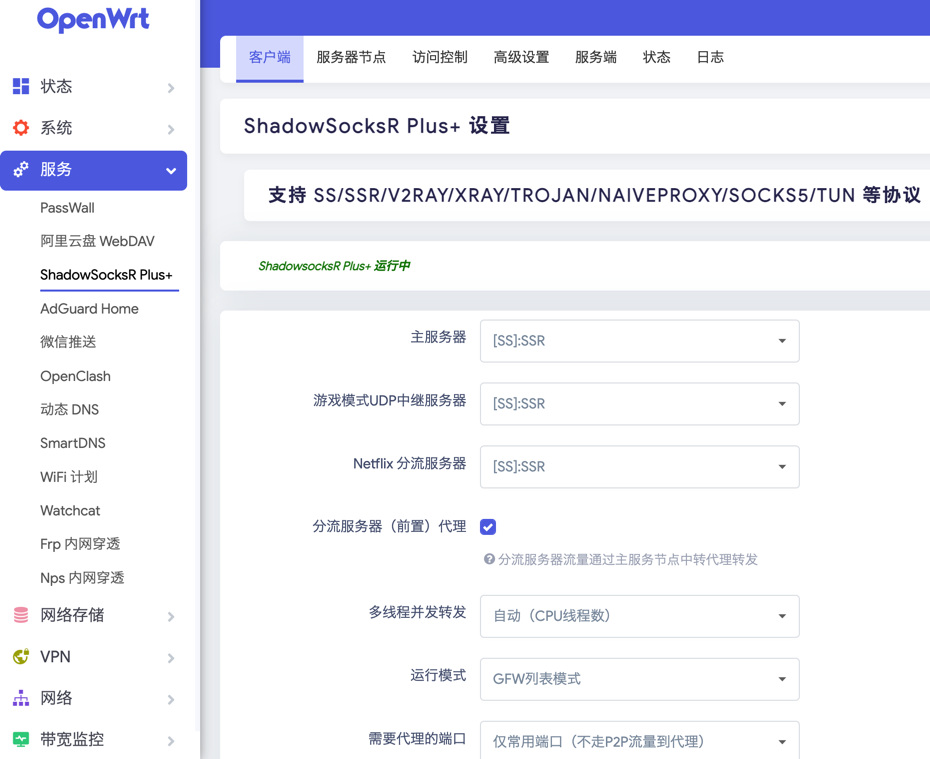
RaspberryPI 4B with Openwrt
Reference
https://github.com/immortalwrt/immortalwrt
https://github.com/SuLingGG/OpenWrt-Rpi
First let’s get started:
-
Download the openWRT image for My 4B model
-
Then burn the image to SD card with below Tool
https://www.balena.io/etcher/
-
Boot up the device and connect PI with your PC(wire or PI Wi-Fi (
OpenWrt)) -
Login the PI managed IP with default http://192.168.1.1 and default passwd
password -
Then let’s configure our device :

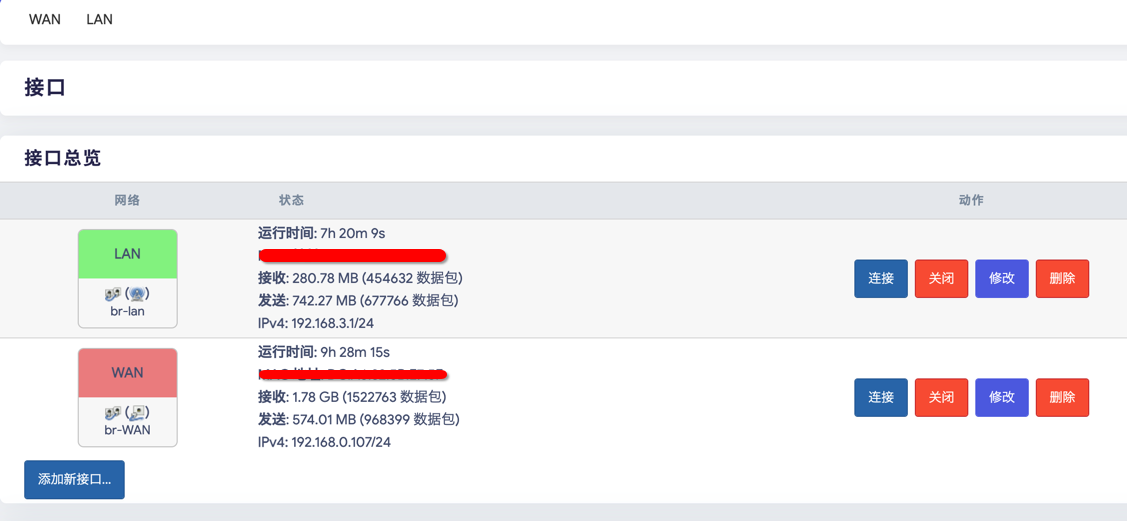



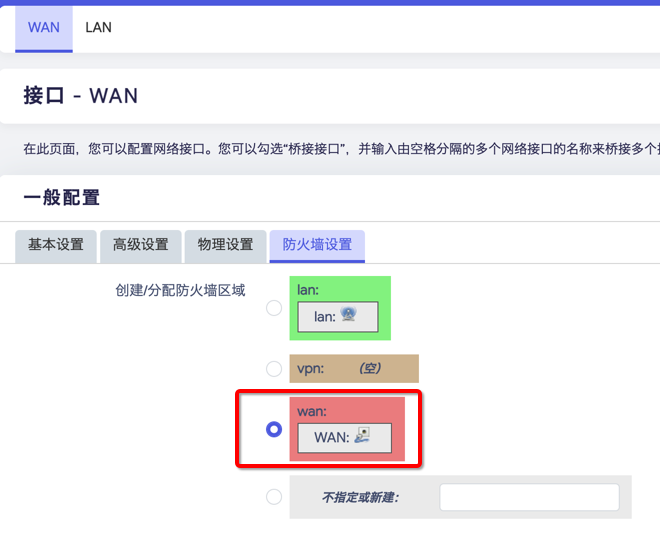
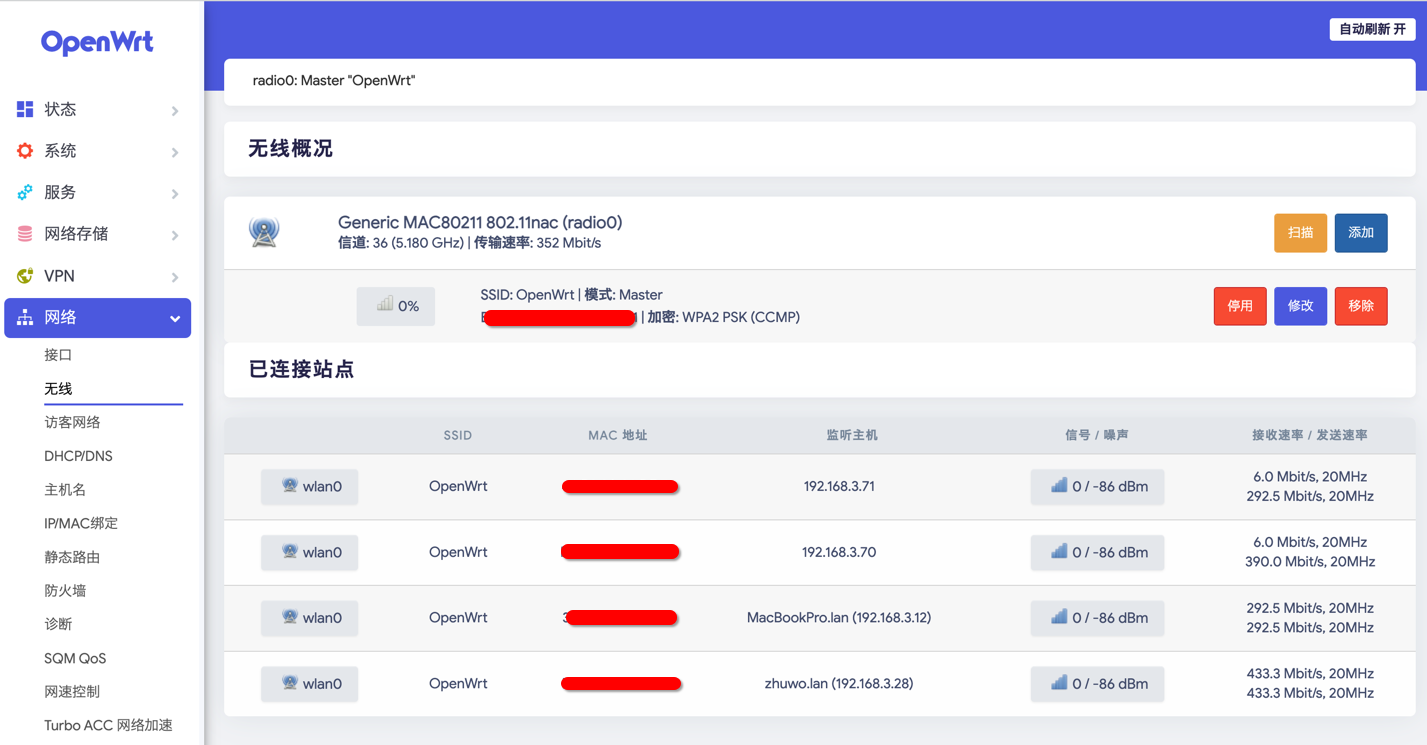
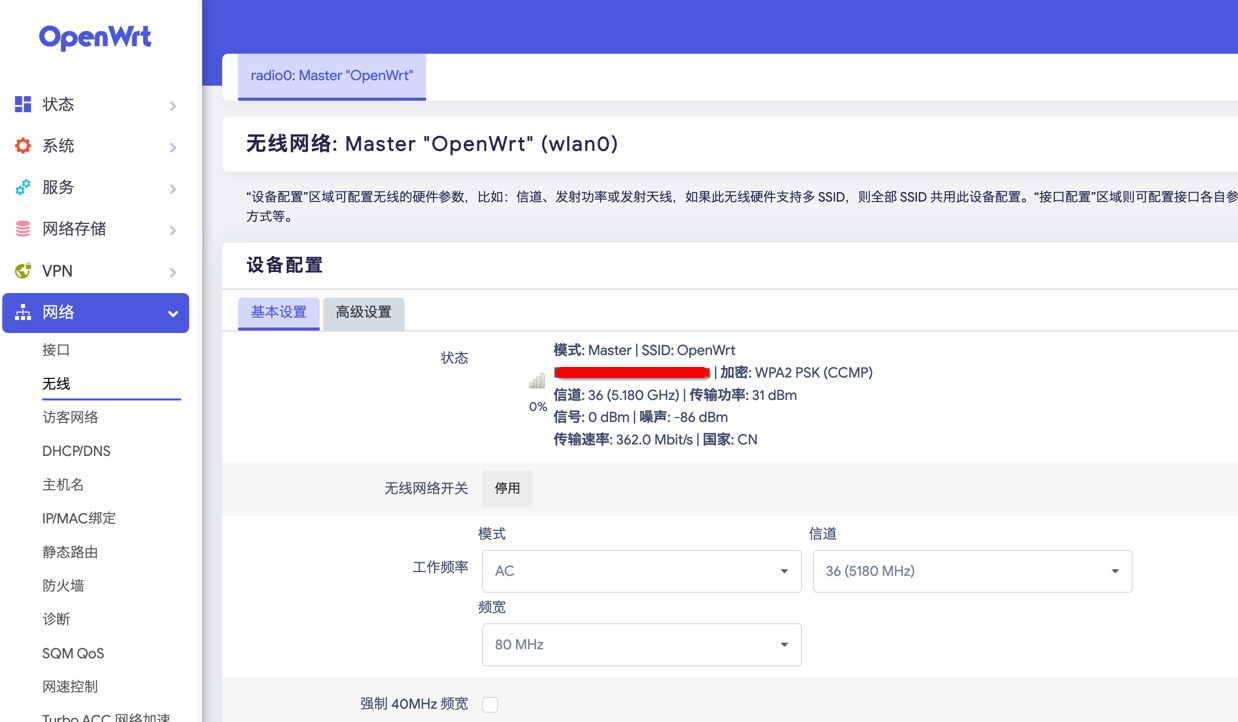

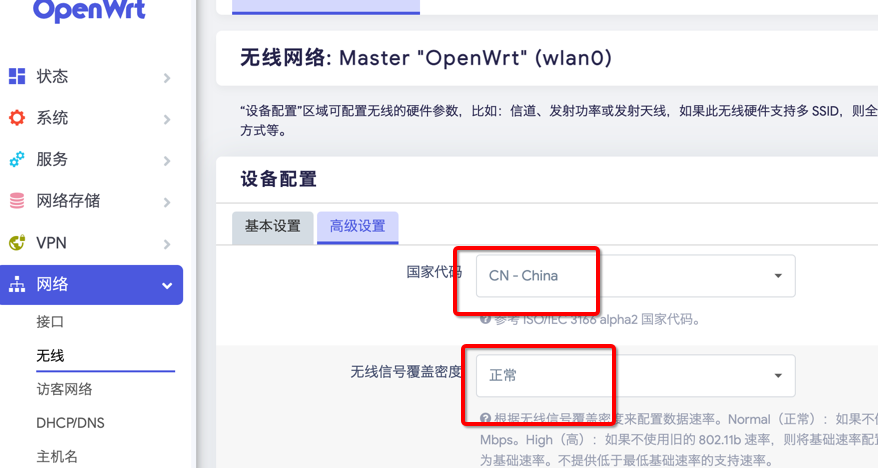
After above settings disconnect wire connect with your PC, You should be able to connect to your WIFi OpenWrt with password just set.
As Main router
You just have to change WAN Interface protocol to PPPoE then connect your PI with network user Account and password.
AS Second router
You just set all the things just like me above, then connect PI WAN Interfacewith main router LAN Interface,Then PI will get an DHCP IP address from Main router , just like mine 192.168.0.107
Then enjoy the high speed Internet. Above just the basically settings for your guys. If you want to explore more, I will shoot you some examples below and Have Fun.